
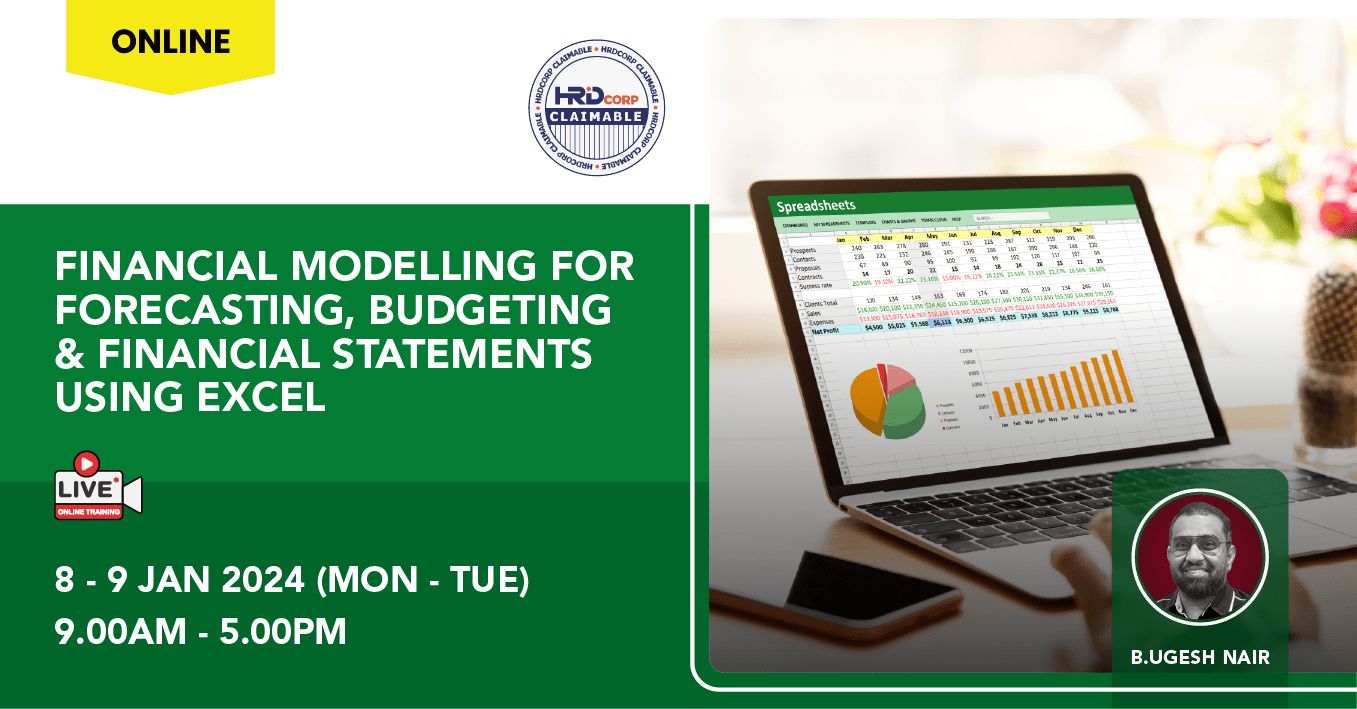
| Date | Time |
|---|---|
| 08/01/2024 | 9:00 AM - 5:00 PM |
| 09/01/2024 | 9:00 AM - 5:00 PM |
[01] INTRODUCTION
Financial modelling is a crucial pillar of financial management. Whether you are attached to a financial institution, or working as a financial analyst or just an ordinary accounting position, such skills are often required in financial evaluation and business planning. The participants will gain insights into the step-by-step process of creating financial models using Microsoft Excel, putting checks and audits and finally stress test the modelling. Important financial models include Three Statement Model (income statement, balance sheet and cash flow statements), Discounted Cash Flow, Budget, Forecasting, Sum of the Parts Models etc.. Best-practice modelling techniques are demonstrated, to ensure maximum accuracy and efficiency. Real company forecast model is used to buttress the learning effectiveness. This course will equip all participants with various tools to aid in complex business decision making by incorporating multiple factors operating in the dynamic business environment.
[02] WHO SHOULD ATTEND
Entrepreneurs, Accountants, CFO, CEO, Business Managers, Marketing Managers, Supervisors, and Managers.
[03] COURSE OBJECTIVES
By the end of the Financial Modelling with Excel course, you will be able to:
• Learn to apply statistical and judgmental forecasting techniques
• Reduce turnaround-time in managing your forecast structure and worksheet process
• Learn how to version-control multiple forecast worksets
• Build your own dynamic scenarios with form controls
[04] METHODOLOGY
Case Study & Group Discussion. Real-current financial & business cases will be analyzed, and scenario solutions will be discussed within the workshop.
[05] REQUIREMENTS
Attendees need to bring along laptop with Microsoft Excel (Ver 2016 and above) installed. For better effectiveness, attendees are encouraged also activate webcam and mics for interaction purpose, when requested
[06] DATE, TIME & FEE
Date: 8-9 Jan 2024 (Mon-Tue)
Time: 9:00am - 5:00pm
Mode: Online/ Interactive
FEE:
[ HRD Corp Claimable ]
- Early Bird Offer (before 20 Dec 2023) - RM 1300
- Special Offer (before 3 Jan 2023) - RM 1350
- Normal Fee - RM 1400
>> Fee includes Course Notes & Certificate of Completion and 6% Service Tax
** OFFER **
- 10% Cashback for SST2u Learner Card+ (SLC+) members. T&Cs applied.
[07] COURSE OUTLINE
DAY ONE
Module 1: Financial Models
• Introduction & types of financial models
• Program scope
• Financial model structure
• Budgeting & forecasting
• The budgeting & forecasting process
Module 2: Building the Financial Model
• Building revenue & expense drivers
• Revenue & cost projection
• Modelling the Income Statement & supporting cost
centre sheets
• Building the headcount & payroll model
• Projecting the balance sheet
Module 3 : Forecasting Methods
• Qualitative & quantitative forecasting methods
• Naïve method: Simple Moving Average, Simple Weighted Moving Average, Exponential Smoothing, Correlation, Regression Analysis
• Forecast Sheet function (applies to Excel 2016 & above)
• Multiple Regression Analysis, Coefficient Correlation, Coefficient of Determination
• CORREL, TREND and new iterations of the FORECAST functions
• Tracking forecasting accuracy as KPI
• Using Excel’s Data Analysis tools - Exponential Smoothing, Moving Average and Regression
Module 4 : Price Setting for Products & Services
• Understanding price and demand curves
• Price elasticity of demand computation methods
• Decisions in price setting
End of Day One
DAY TWO
Module 5: Cashflow
• Working capital components, ratios & cash conversion cycle
• Cash flow projection using the direct method
• Free Cash Flow (FCF)
Module 6 : Form Controls
• Essential Form Controls & overview
• Incorporating Form Controls into financial models & sensitivity analysis
Module 7 : Extracting And Consolidating Historical
Accounting Data
• Using Power Query to extract & consolidate historical data
• Building forecasting working templates from historical data
• Building sensitivity analysis into forecast templates
Module 8 : NPV & IRR
• Time value of money & discounted cashflows
• Compounding and Discounting - 'What's the difference?'
• NPV vs IRR introduction
• Implications of NPV vs IRR in decision-making
Module 9 : Important Excel Knowledge
• Essential Excel functions in financial modelling:
o VLOOKUP
o SUMIF
o SUMIFS
o COUNTIF
o COUNTIFS
o IFERROR
o INDEX
o MATCH
o INDIRECT
• Utilize macros to automate simple tasks
[08] TRAINER PROFILE
B.UGESH NAIR
Data Analyst, HRD Corp Accredited Trainer, Google Certified Educator
Ugesh is a highly experienced trainer with a strong
technical background in Data Analytics, Financial Modelling, Forecasting & Budgeting. He possesses a deep understanding of various Microsoft tools essential for financial reporting & data analysis. Ugesh excels in simplifying complex concepts and empowering clients to leverage the capabilities of Excel, including Excel
Query, for data manipulation, analysis, and visualization. His extensive knowledge of Microsoft Power BI enables him to guide clients in creating visually stunning reports and interactive dashboards, facilitating data-driven decision-making.
Beyond his mastery of Microsoft tools, Ugesh possesses a keen understanding of data story-telling techniques. He excels in translating complex insights into compelling narratives that resonate with stakeholders, facilitating effective communication of data-driven findings. His dedication to delivering high-quality training programs positions him as a valuable asset in the field of Data Analytics.
[09] ENQUIRY & REGISTRATION
Enquiry: yes@sst2u.com
Contact:
- General - (03 - 8604 7270)
- Teo (011 - 3178 9203)
- Logesh (012 - 503 0346)
- Siti (012 - 383 8603)
- Han (019 - 323 0507)